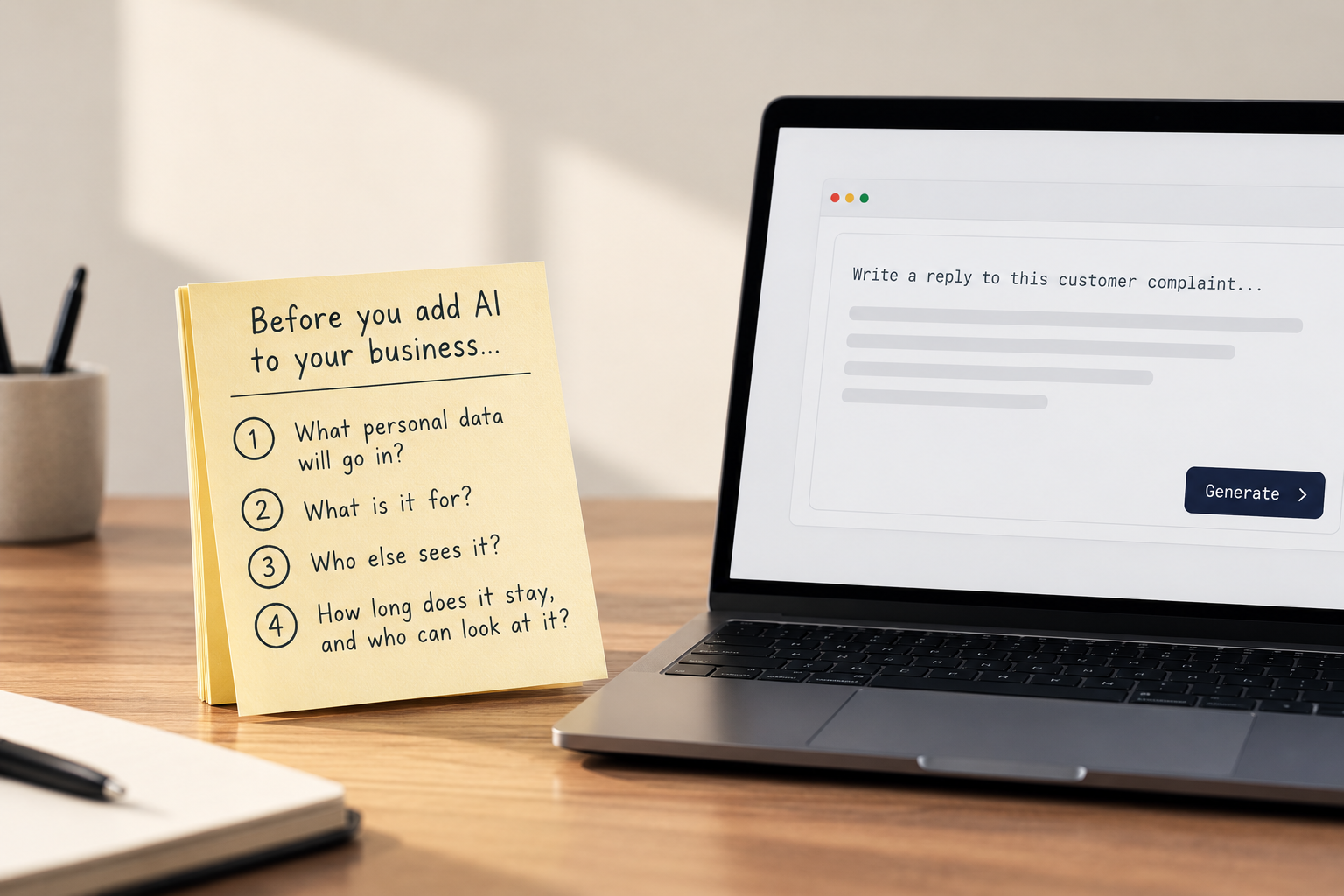
Before You Add AI to Your Business, Answer These 4 Questions
Someone on your team pastes a customer complaint into an AI tool to get a reply drafted faster. It works well. By Friday, three more people are doing the same thing.
Nobody decided this. Nobody was told not to. It just became how the work gets done.
The tool isn't the problem. The questions nobody asked are.
Most businesses adopt AI the way they adopt any useful shortcut. Someone tries it, it saves time, and it spreads. The personal data question comes later, usually after something has already gone in.
PDPC's Advisory Guidelines on the Use of Personal Data in Generative AI, issued on 20 July 2026, put it plainly for organisations that use these tools: you carry the primary responsibility for making sure the system you choose can meet your PDPA obligations. The Guidelines are advisory and not legally binding, and the PDPA prevails over them. But the direction is clear.
In practice, four questions cover most of it. These are my professional view, not a PDPC checklist.
1. What personal data will go in?
Not "will personal data go in?" Left alone, it will. Customer emails, staff records, CVs, meeting notes. The useful question is which kinds, and which are off limits.
My general recommendation is to anonymise first. Customer names and email addresses stay out. The content of the email is fine to use. Just read it before you paste, because the content can still identify someone on its own, like an account number or an unusual situation.
Write the rule down in plain terms. "Take out names and email addresses first. The rest of the message is fine." Staff can follow a rule like that. They can't follow "be careful".
2. What is it for?
If you collected a customer's details to deliver an order, running them through an AI tool for something unrelated is a purpose question, and the Purpose Limitation Obligation applies. The Guidelines encourage organisations to be disciplined about the intended purpose and the amount of personal data actually needed.
A simple test: could you explain this use to the customer without them being surprised?
3. Who else sees it?
Every AI tool has a vendor behind it. Does the vendor keep what you type in? Can it use your inputs to train its models? Where is it processed? Does your contract say anything about any of this?
The Guidelines say deployers need enough information about the upstream safeguards to judge whether the system fits their obligations. If you can't answer these for the tool your team uses today, that's your answer.
4. How long does it stay, and who can look at it?
Prompts and outputs pile up. Many tools keep a history, and that history can hold exactly the personal data you meant to keep out. Someone needs to decide how long it stays and who has access.
This is also where people leave. When the employee who set up the tool moves on, does anyone know the account exists?
Why these keep getting skipped
It's the same pattern we see across most data protection work. The task is real, but it belongs to no one in particular.
The person who found the tool isn't thinking about retention. The DPO, who is usually also running HR or operations, doesn't know the tool exists. The vendor terms were accepted by whoever clicked "agree" first.
Most companies don't ignore this on purpose. They lose track of it.
How Vera is built around these questions
We build an AI assistant, Vera, so these four questions shaped how it works.
What goes in, and what it's for. Vera reads the messages that arrive in the DPO's inbox and works out what each one is: an access request, a staff question, a possible breach report. It summarises the message and suggests a next step, such as logging an incident or turning it into a task.
Who else sees it. Vera works from the organisation's own policies, controls and incidents. When it falls back on general PDPA guidance instead, Vera says so.
Who decides. Vera's output is always a draft, and the DPO confirms it. Vera doesn't fulfil requests, reply to the individual or make compliance decisions. And Veritos doesn't fulfil the request for you either.
The point of Veritos is that this doesn't stay in someone's head. Who owns the AI tool, what data it may touch, when it was last reviewed: each becomes a task with an owner and a date that stays visible until it's done. That works whether the DPO has a quiet week or a very busy one.
To be clear about what that is and isn't. Veritos doesn't make the decision for you, and it doesn't replace your DPO's judgment. It makes sure the questions get asked, answered by a named person, and revisited.
What to do this week
You don't need an AI policy of fifteen pages. You need a one-page answer to each question, and a name next to each.
- List the AI tools your team actually uses, including the ones nobody approved.
- For each, write down what personal data may and may not go in.
- Check what the vendor does with inputs, and keep a note of where you found out.
- Decide how long history stays and who can see it.
- Name one person who owns the list and reviews it on a date.
If you saw what happened to Bee Cheng Hiang, that one was about review, not inputs. Both come down to the same thing: someone has to own it.
If you're unsure where AI use currently sits in your team, or who owns the answers, that's what we help businesses sort out at Veritos. We'd be glad to walk through it with you.